

TEST badge if it came from test keys. The row menu opens that person’s profile.
A verification’s own Activity tab adds the working controls: Needs action, Export, row selection, rows per page, and sending the check by email. Go here when you are working a list. Go to workspace Activity when you are looking somebody up.
Email invites have their own funnel. On a verification running Existing users, the Email invites view tracks each invite through sent, opened, clicked and verified, so you can see who opened an invite and stopped, and who never opened it at all. Somebody who opens it and never finishes is telling you something different from somebody who never opened it. Send verifications by email covers the sending itself.
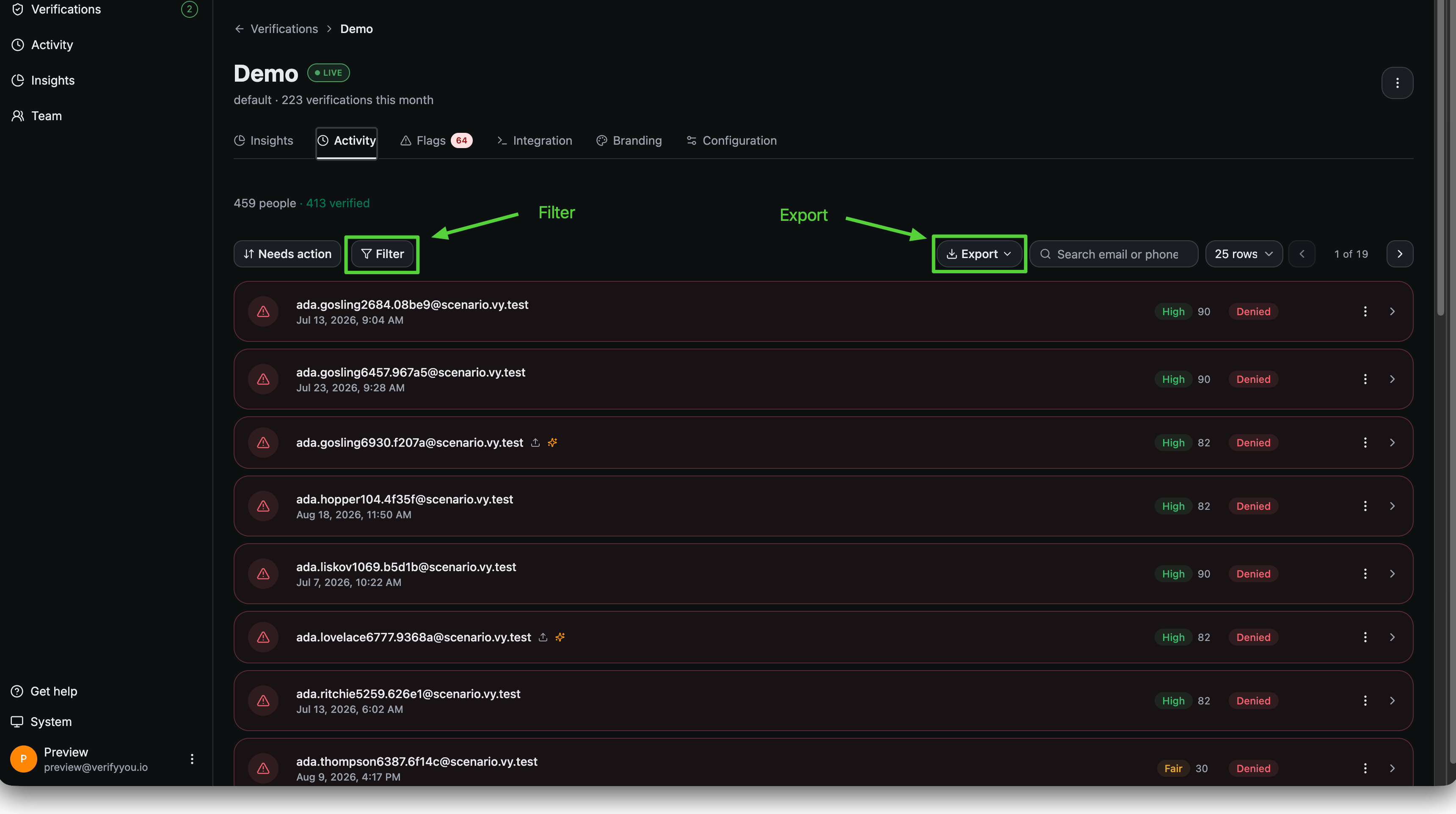
A verification's own Activity tab. Filter and Export sit above the list.
Looking up individual users
Search by email or phone. The support case: somebody says they cannot get in. The row tells you what actually happened, because a denial carries its reason.limit reached means your own verification limit fired and they have already passed once. A liveness failure means the camera never confirmed a live person, and trying again in better light might work. Two different answers to give them.
The investigation case: you have seen something odd on your own platform from one account and you want to know what we saw. Search the identifier, open the person, and hold what we have against what you have, the location, the devices, and the history of every run they appear in.