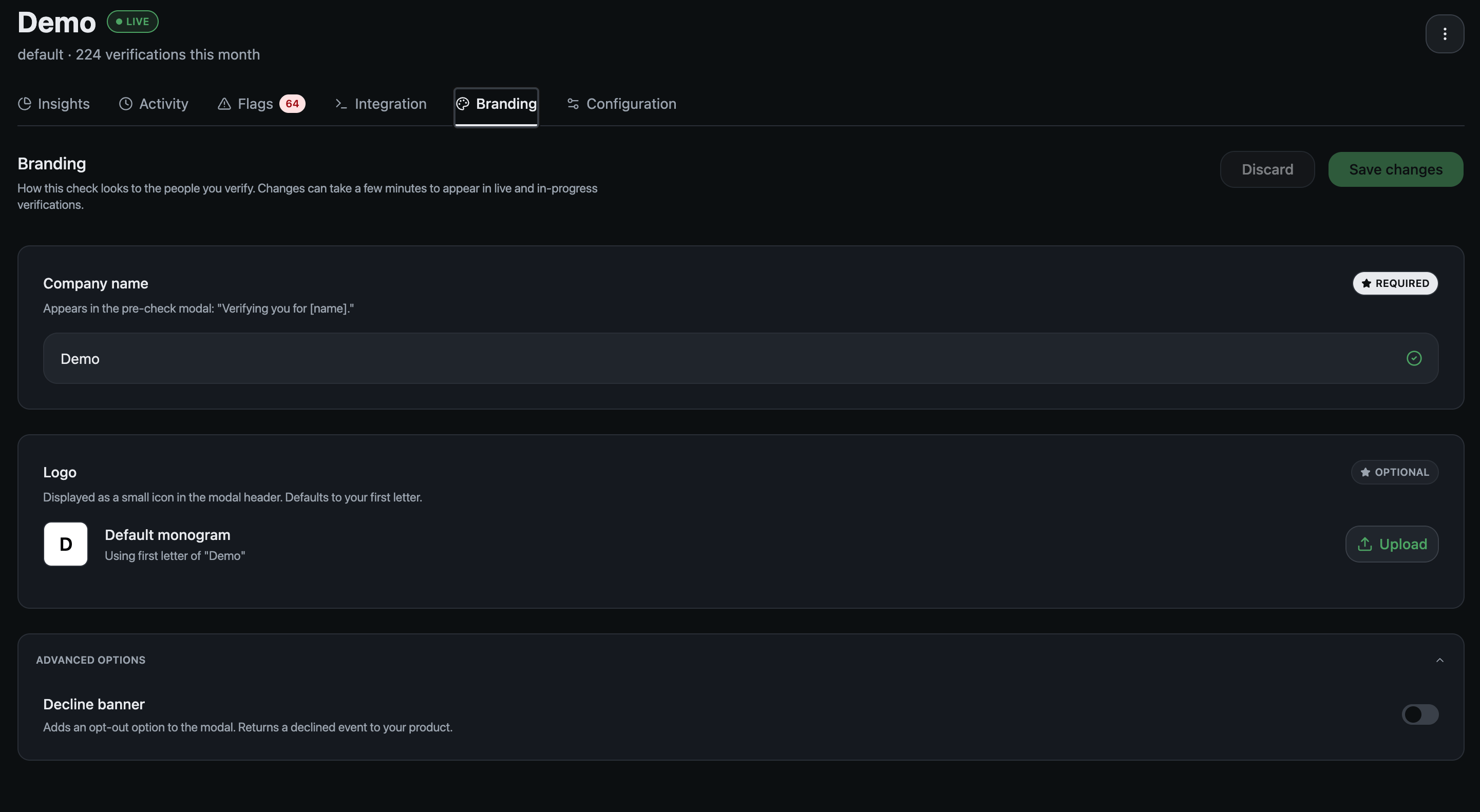
The Branding tab allows you to make the check match your brand. Three controls.

The Branding tab: company name, logo, and the decline banner under advanced options.

Company name is required. It fills the pre-check modal: “Verifying you for [name]”. Use the name your users already know. If your product name and your legal entity differ, use the product name. Logo is optional. Without one, the check shows a monogram built from the first letter of your company name, so it never looks unfinished. Decline banner sits under advanced options. Turning it on adds an opt-out to the modal and returns a declined event to your product, so somebody who would rather not verify has a way out and you find out they took it. Changes save from this tab. They can take a few minutes to appear on live and in-progress verifications, so a check somebody is halfway through may still show the old name.
Where people land after the check is set on Configuration, not here.
None of this changes what you receive. Whatever branding a check carries, you get back a verdict, never a face, a name or an image. See Security and privacy. Next: Integration